Best Instagram Scheduler for Multiple Accounts (2026): Tools, Costs and the Agency Workflow

The short answer: the best Instagram scheduler for multiple accounts is a platform that connects every Instagram account once, organises them into separate client workspaces, and lets you plan, approve and publish posts, Reels and Stories for all of them from one calendar — without logging in and out of the Instagram app. Native Instagram scheduling only ever works one account at a time, which is why teams that manage multiple Instagram accounts move to a dedicated multi-account Instagram post scheduler like iPlanr, where 50 accounts sit on one flat-rate plan instead of a per-channel bill.
This guide covers the whole decision: the three ways to schedule for multiple Instagram accounts and their real limits, what to look for in a scheduler, a step-by-step multi-account workflow, what the popular tools actually cost when you scale past a handful of accounts, and the mistakes that get accounts flagged or posts published to the wrong client.
Why multiple Instagram accounts break the usual workflow
One Instagram account is easy. Five is a system problem. Ten or more — the normal load for a small agency — is an operations problem, and it shows up in predictable places:
- Login juggling. The Instagram app lets you add up to five accounts under one login and switch between them, but every post is still composed, captioned and published one account at a time, from a phone.
- No shared view. Nothing shows you what is scheduled across all accounts this week. Gaps, clashes and duplicated posts are discovered after they happen.
- Approvals by screenshot. Clients review posts in chat threads and voice notes. There is no record of what was approved, by whom, or which version went live.
- Wrong-account risk. The classic multi-account accident — Client A’s post on Client B’s profile — happens because the composer and the account live one tap apart.
- Per-account everything. Best posting times, comments, DMs and reports are locked inside each separate account, so every routine task is repeated account by account.
None of these are effort problems. They are what happens when a one-account tool (the Instagram app) is stretched across a multi-account job.
Your 3 options for scheduling to multiple Instagram accounts
Every multi-account workflow uses one of three routes. They differ in one thing that matters: how much of the repetition they take off you.
| Route | How it works | Hard limits | Best for |
|---|---|---|---|
| Instagram app (native) | Switch between logged-in accounts and schedule or post inside each one separately. The app has a built-in scheduler for feed posts, photos and Reels. | One account at a time; no cross-account calendar, no bulk scheduling, no approvals; Stories are not covered by the in-app scheduler; up to five accounts per login. | One person running two or three of their own accounts |
| Meta Business Suite | Meta’s free desktop tool schedules to a Professional Instagram account and its linked Facebook Page. | Still one Instagram account at a time — no view or queue across several Instagram accounts; no client approval workflow; no multi-client organisation. | A single business running its own IG + Facebook |
| A multi-account scheduler (e.g. iPlanr) | Every Instagram account connects once through Meta’s official API. You plan in one calendar, separated into workspaces per client, with approvals, a unified inbox and reporting built in. | Accounts must be Instagram Professional (Business or Creator) — a free switch in the app. Meta caps API publishing at 100 posts per account per 24 hours, far above any real schedule. | Agencies, freelancers and brands running 3–50+ accounts |
The pattern to notice: the free routes reduce cost, not work. The moment several accounts, several clients or several people are involved, the scheduler platform is the only route that removes the repetition instead of organising it.
What to look for in an Instagram scheduler for multiple accounts
Most “best Instagram scheduler” lists rank Instagram scheduling tools by features built for a single account. Multi-account work has a different checklist. Before you pay for anything, confirm all eight:
- A workspace per client or brand. Accounts, drafts, media and team members sealed per client, so one client’s composer never shows another client’s accounts. This is the single biggest safety and sanity feature.
- Every format, auto-published. Feed posts, carousels, Reels and Stories, published automatically at the scheduled time — not “notification publishing” where your phone still has to finish the job. (In iPlanr, Story and post publishing is built in.)
- One calendar across accounts. Every account’s queue in a single view, filterable by client, so a week of content can be reviewed in minutes.
- Best time per account, not per platform. Each account’s audience behaves differently. The scheduler should recommend slots from each account’s own analytics.
- Client approvals without logins. A shareable link the client opens to approve or request changes — no account, no app install, no screenshots. Approvals are where agencies lose the most hours; this is the fix.
- A unified inbox. Comments and DMs from every account in one queue with assignment and resolved states, so engagement stops depending on who is logged into which phone.
- Bulk scheduling and recycling. Upload and schedule many posts at once, and re-share evergreen content on a sensible cycle per account.
- Flat pricing as accounts grow. Check the pricing model, not the headline price. Per-channel pricing looks cheap at three accounts and punishing at thirty. The cost table below shows the maths.
How to schedule posts for multiple Instagram accounts (step by step)
Here is the workflow agencies run in iPlanr. The same shape works in any capable scheduler; the details are what save the hours.
Step 1: Convert every account to Professional and connect it once
Third-party schedulers publish through Meta’s official Instagram API, which only works with Professional accounts. Switching is free and reversible: in the Instagram app, go to Settings → Account type and tools → Switch to a professional account, and choose Business or Creator. Each account links through its Facebook Page. In iPlanr you then connect each account once — no passwords are shared with your team, and nobody logs in or out again.
Step 2: Create one workspace per client
Make a workspace for each client or brand and add only their accounts, their media library and the team members who work on them. This one decision prevents wrong-account publishing structurally: a composer opened in Client A’s workspace cannot even see Client B’s accounts.
Step 3: Plan the week in one calendar
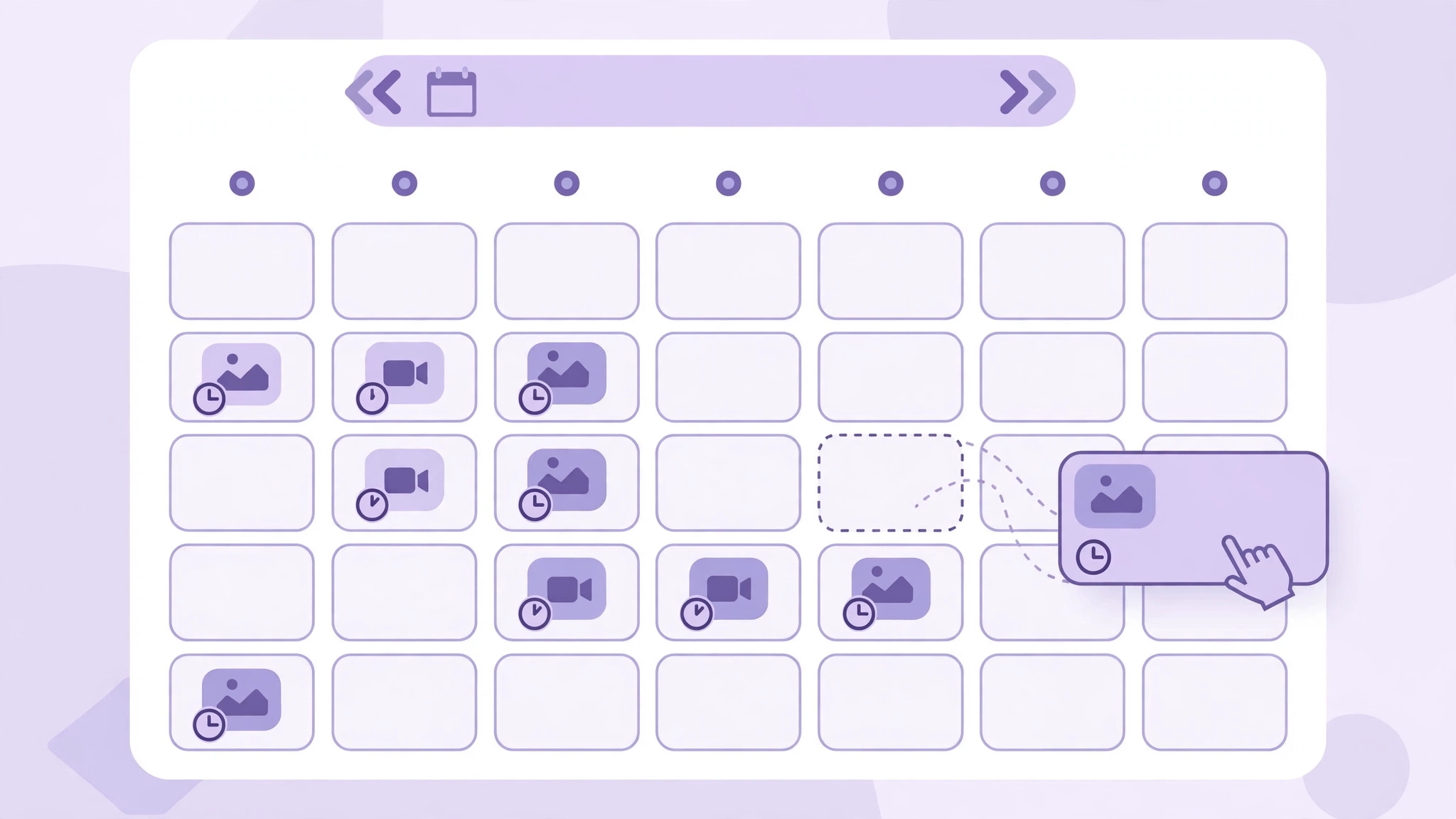
Draft each post once, then assign it to the account (or accounts) it belongs to, customising the caption per account where the audiences differ. Drag everything into place on the shared calendar and check the week as a whole: spacing, format mix, campaign dates. With bulk scheduling, a month of recurring posts can be loaded in one session instead of forty app visits.
Step 4: Schedule at each account’s best time
Do not publish every account at the same moment. Apart from looking automated, identical timing ignores that each audience is active at different hours. iPlanr’s analytics show each account’s own best times; queue each account’s posts into its own peak slots.

Step 5: Send one approval link per client
Instead of exporting PDFs or sending screenshots, send the client a single approval link covering their scheduled posts. They open it — no login — approve or request changes, and the post’s status updates in the calendar. Every approval is recorded, so “who approved this?” always has an answer.
Step 6: Let it publish, then work one inbox
Posts, Reels and Stories publish automatically at their scheduled times. Afterwards, comments and DMs from all accounts land in one unified inbox, where they can be assigned to the right team member and marked resolved — engagement handled once, centrally, instead of per phone per account.
Step 7: Report per client in one click
Close the month with a per-client report. On iPlanr’s Agency plan, reports are white-labelled, so the client sees your agency’s brand, not your tool’s.
What multi-account schedulers really cost
The headline price of a scheduler tells you almost nothing. What matters is the pricing model multiplied by your account count. There are three models:
- Per channel (e.g. Buffer at $6 per channel per month on monthly billing): every Instagram account is another charge, forever.
- Per social set (e.g. Later, from $25/month for one set of profiles): each additional brand means another set.
- Flat tiers by total accounts (iPlanr: $19 for 3 accounts, $49 for 15, $99 for 50): the bill is predictable and the per-account cost falls as you grow.
| If you manage… | Per-channel model (at $6/channel) | iPlanr plan that covers it | iPlanr cost |
|---|---|---|---|
| 3 Instagram accounts | $18/month | Starter (3 accounts) | $19/month |
| 15 accounts | $90/month | Professional (15 accounts) | $49/month |
| 25 accounts | $150/month | Agency (50 accounts) | $99/month |
| 50 accounts | $300/month | Agency (50 accounts) | $99/month |
Prices checked November 2026 from public pricing pages; per-channel figure uses Buffer’s monthly-billing rate, before any annual-billing discounts. iPlanr prices include every platform it supports (Instagram, Facebook, TikTok, LinkedIn, Bluesky), not Instagram alone — so an account slot can hold a client’s TikTok instead of an Instagram profile at no extra cost. Every iPlanr plan starts with a 14-day free trial, no credit card required.
Beyond price, agency-tier features change the comparison: iPlanr’s Agency plan includes brand listening and AI-generated client reports (AI Report Studio) with white-labelling — capabilities that typically sit on separate, more expensive tiers elsewhere.
5 mistakes that hurt multi-account Instagram scheduling
- Blasting the identical post to every account at the same minute. It reads as automation to followers and to Instagram. Stagger times per account and adapt captions to each audience.
- Sharing raw passwords with the team. Every shared login is a security hole and a 2FA bottleneck. Connect accounts through the platform’s official authorisation once, and manage who can publish through roles instead.
- Approving by screenshot. Chat approvals leave no record and no version control. The first disputed post pays for an approval workflow many times over.
- Ignoring the Professional-account requirement. Personal accounts cannot receive API-published posts. Convert client accounts to Business or Creator before onboarding week, not during it.
- Judging every account by one report. A single blended number hides which client is growing. Report per workspace, per account, monthly.
FAQ
Can I schedule posts to multiple Instagram accounts at once?
Yes — with a multi-account scheduler. You compose the post once, select the accounts it should go to, and the platform publishes a separate copy to each account at its scheduled time through Instagram’s official API. The Instagram app itself cannot do this; it schedules one account at a time.
Do my Instagram accounts need to be Business or Creator accounts?
Yes, for any third-party scheduler. Meta’s API only publishes to Professional (Business or Creator) accounts, each linked to a Facebook Page. Switching from a personal account is free, takes a minute in the app’s settings, and can be reversed.
How many Instagram accounts can I manage in one scheduler?
It depends on the plan, not the technology. In iPlanr, the Starter plan covers 3 social accounts, Professional covers 15, and Agency covers 50 — shared across Instagram and the other supported platforms. Meta’s own limit (100 API-published posts per account per day) is far above any normal posting schedule.
Will posting similar content to several accounts hurt my reach?
Identical posts published simultaneously to many accounts can look spammy and usually underperform, because each audience differs. The safer pattern is to stagger publish times and tailor the caption, first comment and hashtags per account — which a shared calendar makes easy to do deliberately.
Can clients approve posts without creating an account?
Yes, in iPlanr: each client receives an approval link, opens it in a browser, and can approve or request changes without signing up or installing anything. The approval is recorded against the post, so there is always a trail.
What is the difference between an Instagram scheduler and Meta Business Suite?
Meta Business Suite is free and schedules to one Instagram Professional account (plus its Facebook Page) at a time. A multi-account scheduler adds the layer Business Suite does not have: many accounts in one calendar, client workspaces, approval links, a unified inbox across accounts, bulk scheduling and per-client reporting.
The bottom line
If you run one Instagram account, the app’s built-in scheduler is enough. The moment your job is to manage multiple Instagram accounts, it is not. The moment you run several — for clients, brands or locations — the work stops being about posting and starts being about operations: one place to plan, one link to approve, one inbox to answer, one report per client. That is the job an Instagram scheduler for multiple accounts actually has to do.
iPlanr was built for exactly that job: workspaces per client, scheduling for posts, Reels and Stories, approval by link, a unified inbox, best-time analytics and white-label reports — on a flat plan that covers up to 50 accounts for $99/month, instead of a bill that grows with every account you win. Start the 14-day free trial — no credit card — and connect your first accounts in minutes. For the wider system behind multi-account work, read our guide on how to manage multiple social media accounts, and see full pricing for what each plan includes.

Written by Janbaz Khan
Janbaz Khan is the Founder of iPlanr, the AI-powered social media operations platform built in Riyadh. He writes about social media operations, approval workflows and agency growth.